AI · 01
A quieter product reveal
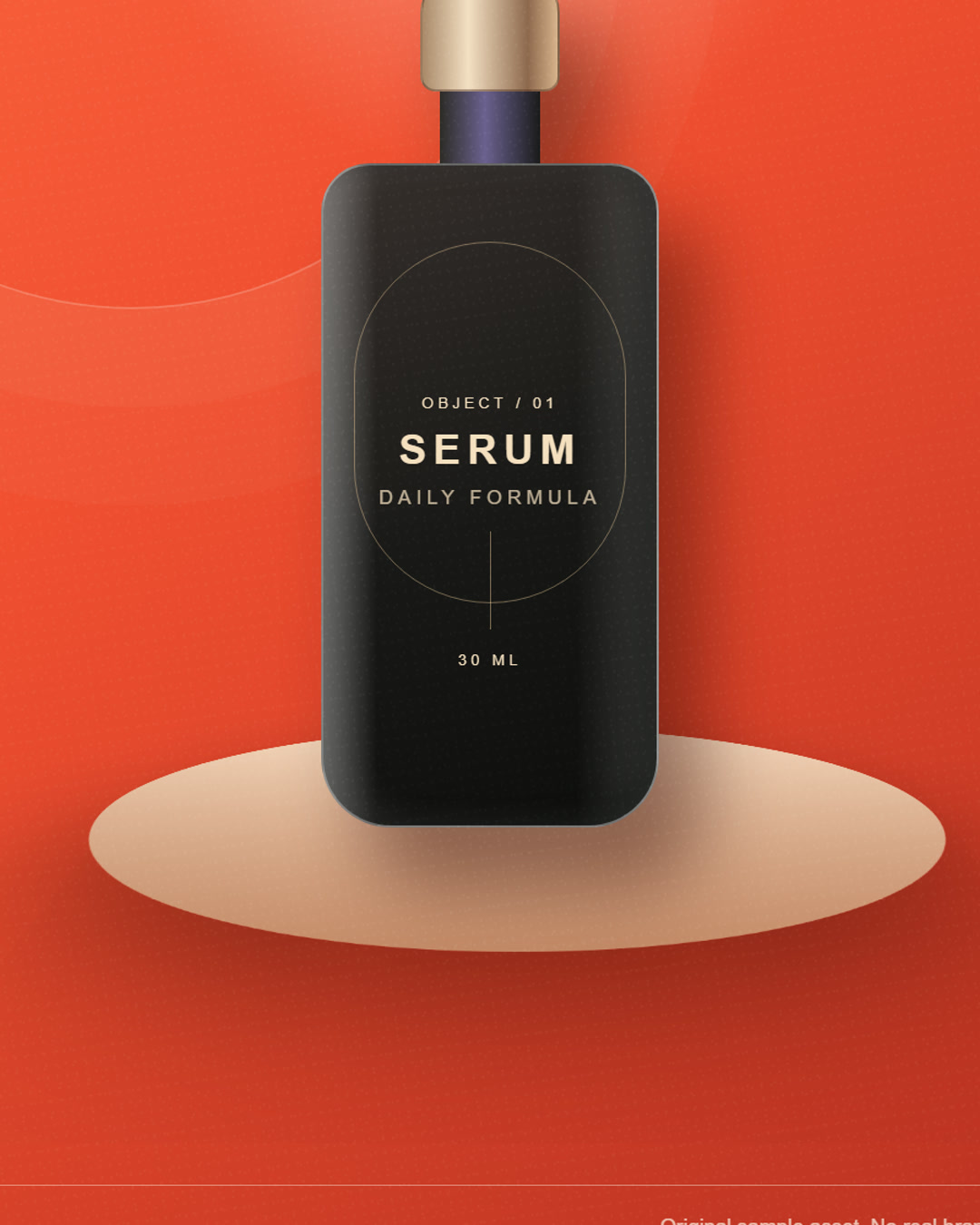
Use controlled light, a slow camera move, and a clean surface for a premium product-page hero.
Turn existing product imagery into a polished, AI-generated product video. Choose a creative format, edit the prompt, set your aspect ratio, and direct the first cut from one focused studio.
1–4
product references
6
creative formats
3
aspect ratios
Sample assets are original synthetic product studies. Every generated video is labelled as AI-generated.
The studio
Start with the hero angle, add supporting details, then shape the camera, light, and scene in the prompt.
Video model: MiniMax H3 Max via fal. Safety checks are enabled.
Use clear front, angle, and detail shots. Product only: do not upload people, minors, celebrities, screenshots, or images you do not have permission to use.
Formats
Each format starts with a complete prompt. Change the camera, surface, light, or scene without rebuilding the brief from scratch.
A clean hero shot, controlled light, and a slow push-in.
Product pages and launch assets
Three beats: hero, detail, and a styled product moment.
A short brand or product story
A sharper pace with a graphic light treatment and bold finish.
Paid social and launch campaigns
Texture, packaging finish, reflections, and one close hero detail.
Premium product details
Change the scene, not the product. A restrained transformation.
Restage existing product photos
A warm seasonal setting with tactile paper and soft window light.
Seasonal and gifting campaigns
The production gap
Most brands have clean product imagery, but static assets cannot carry a launch, paid test, or product-page story on their own.
A studio, crew, lighting plan, edit, and approvals can cost more than the campaign itself, especially for a short social cut.
A text-only video tool invents packaging and changes details. Product teams need the source object to remain recognisable.
A better first cut
Product directions
Sample studies show the direction, not a guarantee of product accuracy. Review every generated frame before publishing.
Use controlled light, a slow camera move, and a clean surface for a premium product-page hero.
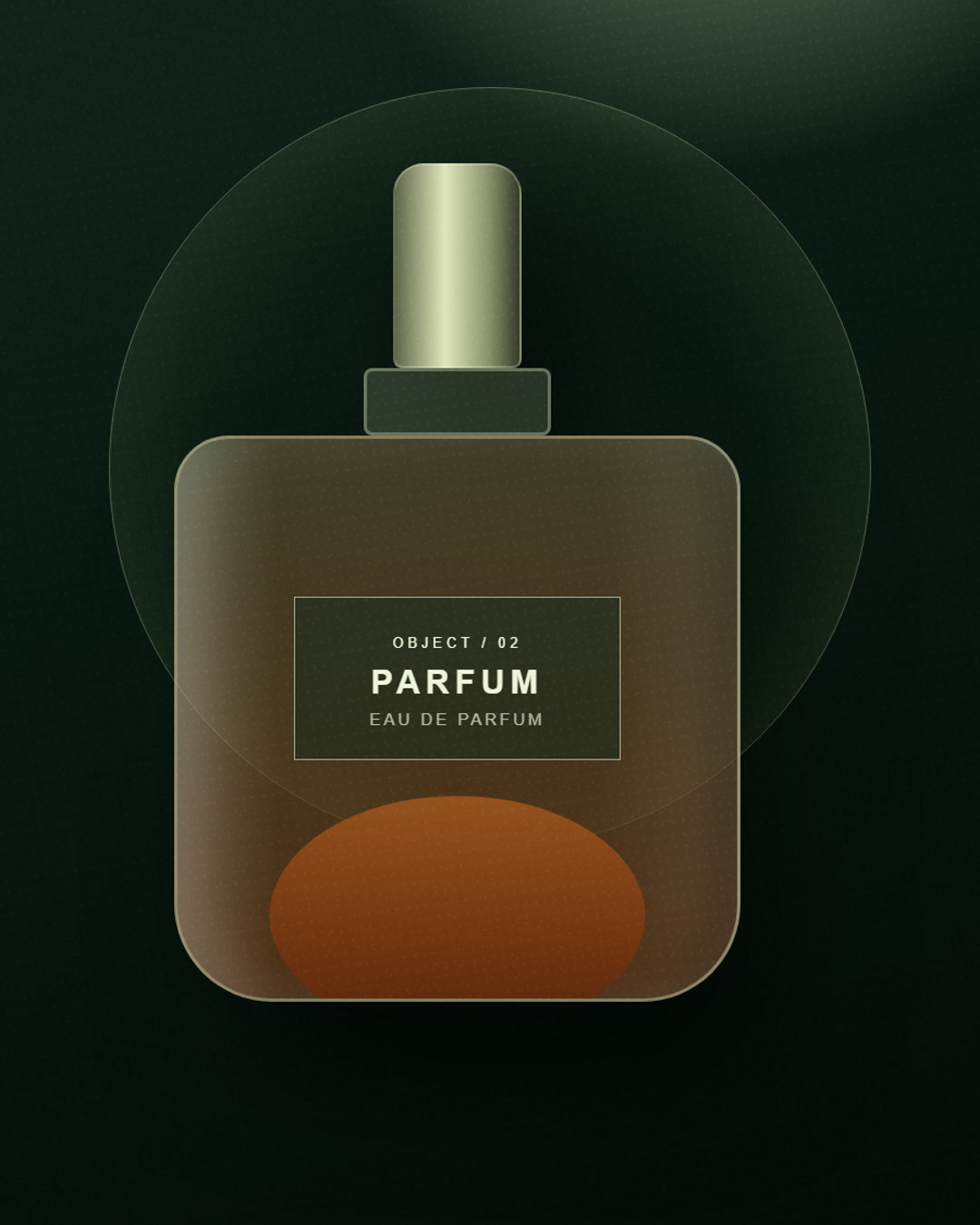
Move from the packshot to a material detail and into a styled scene without changing the product.
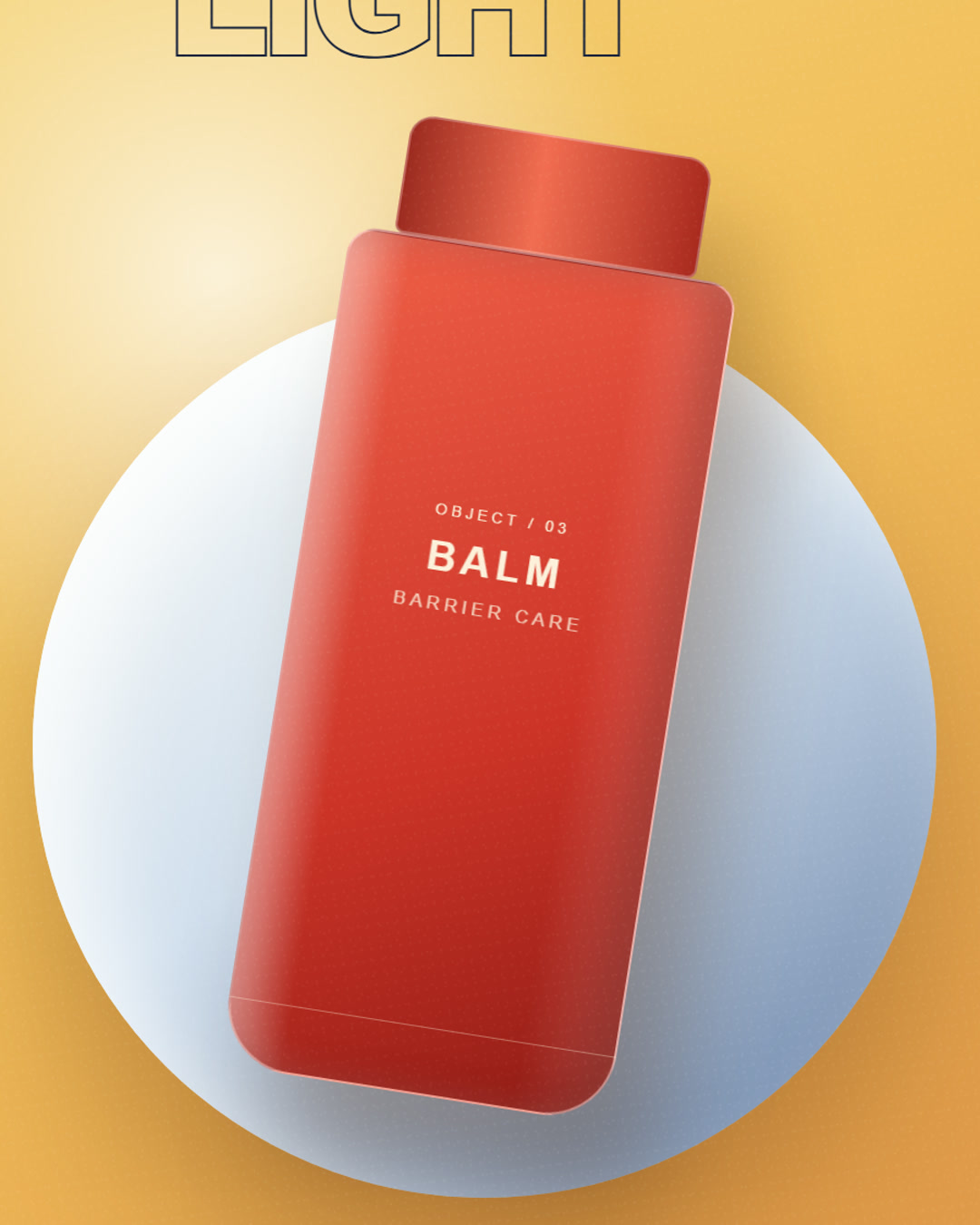
Use a faster rhythm, graphic light, and a bold end frame for a paid social test.
How it works
Add one to four clear product photos. Start with a hero angle, then add packaging or close-detail views.
Choose a format, output length, aspect ratio, and editable prompt. The model is MiniMax H3 Max through fal.
When the render finishes, review the product accuracy and AI label, then download the MP4 or create an opt-in share link.
Studio controls
Use up to four product photos so the model has more information about shape, finish, and label detail.
Every format opens with a practical prompt covering product fidelity, camera movement, lighting, and what to avoid.
Prepare a vertical social cut, a landscape product-page hero, or a square marketplace asset from the same source set.
Choose an 8-second 720P spot, a 12-second 1080P product film, or a 15-second 1080P cinema cut.
The interface names MiniMax H3 Max and fal directly. Product Video AI is an independent product, not an official model brand.
Playback, share pages, policies, and download file names make the AI origin clear.
Product video AI is a workflow for turning still product photography into short motion assets. Instead of asking a model to invent a product from words alone, Product Video AI gives the model visual references and a production-style prompt.
The result is not a guarantee of perfect packaging accuracy. It is a first cut for review, testing, and creative exploration. Keep source photos sharp, use several angles when possible, and check labels, geometry, and claims before publishing.
Use it as a product video generator for a quick AI product video, a product photo to video test, or a commercial product video for ecommerce video ads. Teams looking for AI video for products can start from owned photography instead of stock footage.
Built around owned photography
Use product images that already exist in the catalogue.
Clear AI disclosure
The model, label, and review limitations stay visible.
Studio notes
A practical library for creating product videos from owned photography without overstating what AI can guarantee.
How product video AI turns owned product photography into short commercial motion assets, and what teams should review before publishing.
A practical checklist for selecting product photos, writing a useful prompt, choosing a format, and reviewing an AI-generated product video.
A practical prompt structure for product photo to video generation: references, invariants, action, camera, light, scene, and exclusions.
How to choose between product reveal, studio story, launch ad, macro detail, before-and-after, and gifting formats.
Pricing
Start at $26 per month. Annual billing includes two months free. Every plan includes all six formats, every aspect ratio, and 1080P-capable product video generation.
Starter
For a focused first product video
$26.00/ month
Billed monthly · cancel any time
300 credits every month
Every plan includes
Studio
For teams testing several product directions
$53.00/ month
Billed monthly · cancel any time
700 credits every month
Every plan includes
Scale
For regular ecommerce creative production
$107.00/ month
Billed monthly · cancel any time
1600 credits every month
Every plan includes
Subscriptions renew automatically at the displayed price until cancelled. Cancelling stops future renewals and keeps access through the end of the paid period. Included credits are granted monthly and do not roll over.
Rendering uses MiniMax H3 Max through fal. The provider safety checker is enabled for every generation.
Need a one-time top-up?
Existing subscribers can buy extra credits without changing their plan. Top-up credits do not expire.
One-time purchase · credits do not expire
Prices are in USD. Waffo Pancake acts as merchant of record and calculates applicable taxes at checkout.
If something is unclear, email support. We do not use automated replies for billing or content-report issues.
Contact supportIt creates an 8–15 second AI-generated video from one to four product photos. You choose a format, aspect ratio, output length, and editable prompt. Every output is labelled as AI-generated.
How product photo to video worksUse sharp, well-lit photos of a product you own or are authorised to use. A front view plus packaging, texture, or angle shots gives the model more information. Do not upload people, minors, celebrities, public figures, screenshots, or third-party trademarks you do not have permission to use.
Product photo checklistThe model is given visual references, but AI generation can still alter small details. Review labels, proportions, colours, and claims before publishing. Use a conservative prompt and multiple clear reference photos for better fidelity.
The production workflow uses MiniMax H3 Max through fal. The model name is disclosed here and in the generator so customers know which upstream system processes the reference images and prompt.
The Starter plan is $26/month for 300 monthly credits, Studio is $53/month for 700, and Scale is $107/month for 1,600. Annual plans are $260, $530, and $1,070. Subscriptions renew until cancelled. Credits for failed renders are returned automatically.
Yes. Use Billing in your account to cancel renewal. You keep access through the end of the current paid period and are not charged again. Subscription credits do not roll over after the covered month.
You may use output you lawfully create, subject to the Terms and Acceptable Use Policy. You must own or have permission for all uploaded assets and must not use the service to infringe copyright, trademark, privacy, publicity, or other rights.
No. It is for commercial products and objects. Real-person deepfakes, face swaps, celebrity likenesses, intimate synthetic scenes, and content involving minors are prohibited.
Product photos are private, used only for your requested render, and deleted automatically 30 days after upload. Finished videos are kept for 90 days after they finish unless you delete them sooner. You can export account data or delete your account in Settings.
AI output is labelled
Playback, share pages, and download naming keep the origin visible.
Safety is part of the workflow
Prompt screening, image moderation, provider filters, reports, and appeals.
Model disclosure is explicit
MiniMax H3 Max via fal is named in the product and policies.
Inside Product Video AI
Start with photos you already have. Direct the light, motion, and scene from one focused product studio.
Open the studioPlans from $26/month · MiniMax H3 Max via fal